
 Business License

Understanding Laminator Specifications: Speed (mm/min), Temperature Range, and Film Thickness
An importer we have worked with for several years once ordered a batch of laminators based entirely on a retail description that emphasized design and brand. The first container performed acceptably, but the second was sourced from a different factory with nearly identical marketing text and very different internals. The machines overheated on 125-micron pouches, and the importer spent a full season managing returns before realizing the spec sheets had never actually been compared.
Laminator specifications are the language in which quality differences are expressed. Three figures matter most: speed, temperature range, and supported film thickness. This article explains what each specification means, how they interact, and how buyers can use them to evaluate a thermal laminating machine before committing to a container order.
1. Why Specifications Matter More Than Brand Names
Laminators from different factories can look identical in photographs while differing substantially in the components that determine performance. The heating element, roller material, gear train, and control board are all invisible in a product image. Specifications are the only practical way to compare machines that look alike.
Two machines with the same retail price can differ by a factor of two in continuous-use capacity or temperature stability. These differences surface only in the specifications and in long-run testing. Buyers who skip the specification comparison are effectively selecting machines at random from a market that uses similar-looking cases and identical-sounding marketing language.
The good news is that laminator specifications are simple and standardized. Once a buyer understands the three core figures and their interaction, evaluating any machine—from any supplier in any market—follows the same process. Dongguan Jiaxi Office Equipment Co., Ltd. publishes full specification tables for every thermal laminating machine in its line, and we recommend every buyer ask suppliers for the same level of detail.
2. Laminating Speed: What mm/min Means in Practice
Speed is quoted in millimeters per minute, which describes how fast the film travels through the rollers. A machine rated at 300 mm/min moves a 300 mm pouch through in roughly 60 seconds. A machine rated at 500 mm/min completes the same job in roughly 36 seconds. The difference compounds across a day of school, office, or shop use.
Speed alone is not a quality indicator. The same machine running at 500 mm/min may produce weaker seals than a machine running at 300 mm/min, because faster travel means less time under heat. Quality machines achieve higher speed through higher heating power and more precise temperature control, not by compromising dwell time.
The table below shows typical speed bands by machine category:
| Category | Typical Speed | Duty Cycle | Typical User |
|---|---|---|---|
| Entry pouch laminator | 200–300 mm/min | 15–30 min | Home and small office |
| Mid-range pouch laminator | 300–400 mm/min | 30–60 min | Offices, schools |
| Commercial pouch laminator | 400–600 mm/min | 60 min+ | Print shops, copy centers |
| Roll laminator | 1,500–4,000 mm/min | Continuous | High-volume finishing |
Buyers should match speed to workload rather than chasing the fastest figure. An office laminating a few dozen sheets per day gains nothing from a 600 mm/min machine, while a print shop loses revenue on a 300 mm/min machine. The spec should be evaluated together with duty cycle, which appears in the same table.
3. Temperature Range and Control: The Heart of Quality
Lamination works because heat activates the adhesive layer inside the film. Each film thickness requires a specific temperature band: too low and the adhesive fails to bond, too high and the film wrinkles, blisters, or sticks to the rollers. Temperature range describes the span of settings a machine can maintain.
A typical adjustable laminator offers a range of roughly 80°C to 160°C, with premium models extending to 180°C. Fixed-heat machines operate at a single factory-set temperature, usually around 120°C, which limits them to a narrow band of film thicknesses. Adjustable temperature control is the single feature that unlocks the full range of pouches.
Temperature stability matters more than the maximum value. The control system should hold the set temperature within roughly ±5°C during continuous use. Machines with thermistor-based sensors and digital control boards maintain this tolerance; budget machines with bimetallic switches can drift by ±15°C, producing inconsistent seals across a batch of pouches.
4. Film Thickness: Microns, Mil, and Heat Settings
Film thickness is measured in microns in most markets and in mil in North America, where 1 mil equals roughly 25 microns. Thicker film provides more rigidity and protection but demands higher temperature and a slower feed. The table below maps common thicknesses to typical temperature settings:
| Thickness | mil | Suggested Temperature | Typical Use |
|---|---|---|---|
| 80 microns | 3 | Roughly 105–115°C | Certificates, notices |
| 125 microns | 5 | Roughly 125–135°C | General office documents |
| 150 microns | 6 | Roughly 135–145°C | Signs, price lists |
| 175 microns | 7 | Roughly 145–155°C | ID cards, reference sheets |
| 250 microns | 10 | Roughly 155–170°C | Badges, heavy-use tags |
These figures are starting points; the correct setting varies with machine design and ambient temperature. A machine whose range ends at 150°C cannot reliably process 250-micron film, which is why buyers should check the maximum supported thickness against the pouch assortment they plan to stock.
Film compatibility also involves pouch construction. Pouches are typically PET on the outside and EVA or PE adhesive on the inside. The machine must heat the adhesive through the outer layer evenly, which is why roller pressure and alignment matter alongside temperature. A machine that scores well on temperature range but poorly on roller design will still produce bubbles and weak edges.
5. Maximum Document Width and Media Compatibility
Maximum document width is the most self-explanatory specification. A4 machines accept pouches up to roughly 320 to 330 mm, while A3 machines accept up to 450 mm. The width is limited by the roller length and the heating element's ability to maintain uniform temperature across the full width.
Wide-format machines cost more because the heating element and rollers must be longer and more precisely machined. Temperature uniformity across a 450 mm roller is significantly harder to achieve than across a 320 mm one. Buyers who occasionally laminate posters should still step up to A3, because the cost difference is modest relative to the flexibility gained.
Media compatibility extends beyond paper width. Some machines accept card stock, fabric-backed materials, and thin plastics within their thickness limits. The specification to check is the maximum media thickness the feed slot accepts, typically 0.5 to 1.0 mm for pouch machines. Exceeding it causes jams that damage both the media and the rollers.
6. Roller Count, Warm-Up Time, and Power Ratings
Roller count determines how evenly pressure is applied while the film is still warm. Two-roller machines press once, which is adequate for thin film but prone to bubbles on 125-micron and thicker pouches. Four-roller machines add a second pressure stage while the film is still soft, producing flatter results and handling misaligned feeds more forgivingly.
Warm-up time is quoted in minutes and reflects heating power and element mass. Entry machines typically need roughly 4 to 6 minutes; better-designed units reach operating temperature in 2 to 3 minutes. Warm-up time is a visible quality cue in retail demonstrations and a real convenience factor in offices where machines are switched off between uses.
Power consumption, quoted in watts, correlates with heating capability. A 500-watt machine can hold temperature better during back-to-back jobs than a 300-watt unit. Buyers in 110-volt markets should confirm the machine's voltage configuration, and buyers sourcing across regions should check whether the supplier offers dual-voltage models or fixed regional versions.
Energy efficiency is an emerging specification. Machines with standby modes and auto shut-off consume roughly 60% to 80% less power during idle periods than units with no standby logic. For offices that leave machines powered all day, the annual saving is meaningful and increasingly relevant to green procurement policies in Europe and other regulated markets.
7. How to Read a Laminator Spec Sheet: A Field Guide
Not all spec sheets are equally informative. Some list only marketing-friendly figures, while others omit the numbers that matter. The checklist below shows what a complete specification table should contain and what each line means:
| Specification | What to Look For | Red Flag |
|---|---|---|
| Speed (mm/min) | Matches your workload tier | Speed quoted without duty cycle |
| Temperature range | At least 80–150°C, adjustable | Fixed heat, no range stated |
| Max film thickness | At least 175 microns for office use | Only thin film (80–100 µm) listed |
| Max document width | A4 (330 mm) or A3 (450 mm) | Width quoted in inches only |
| Roller count | Four rollers preferred | Roller count not disclosed |
| Warm-up time | Under 4 minutes | Warm-up time absent |
| Power (W) | 400 W or higher for reliability | Power rating missing |
| Certification | CE, RoHS, ETL, or UL as applicable | No certification stated |
When comparing suppliers, request spec sheets in the same format for every candidate. Discrepancies in how figures are quoted—for example, speed with or without warm-up note—are as informative as the numbers themselves. A supplier that publishes complete, consistent specifications is usually also the one that manufactures to them.
8. Matching Specifications to Real Workloads
Specifications only have meaning against a workload profile. A school laminating roughly 100 to 300 sheets per week needs a mid-range machine: 300 to 400 mm/min, four rollers, adjustable temperature to 150°C, and a duty cycle of 30 minutes or more. A print shop processing thousands of sheets per month needs a commercial machine with 500 mm/min speed and extended duty cycle.
Buyers should also plan a small margin above current volume. Laminator demand tends to grow as users discover new applications, and a machine sized exactly to today's workload becomes a bottleneck within a year. One step up in speed and duty cycle costs modestly more at purchase but extends the machine's useful life significantly.
Volume projections should also account for seasonal peaks. School suppliers face a term-start surge that can double normal weekly output, and print shops see spikes before holidays and events. A machine with a 30-minute duty cycle that handles the average week comfortably may overheat during the peak. Checking the duty cycle against the busiest anticipated week, rather than the average, prevents the most common capacity misjudgment.
Some time ago, we helped a distributor in the Middle East right-size a laminator order that had been specified around the lowest price point. By shifting from a 200 mm/min entry machine to a 350 mm/min mid-range model with four rollers, the distributor reduced warranty claims by an estimated two-thirds over the following year while maintaining the same retail price position. The specification change, not the brand, produced the improvement.
9. Frequently Asked Questions
9.1. What is a good laminator speed for an office?
For a typical office laminating a few dozen documents per day, 300 to 400 mm/min is a practical range. At 300 mm/min, a standard A4 pouch passes through in roughly one minute, and a short daily queue clears quickly. Higher speeds matter mainly for print shops and copy centers, where the same machine may process hundreds of sheets in a session and every second counts.
9.2. Can a laminator with a lower maximum temperature still process thick film?
Usually not well. Film thickness and temperature requirement are directly linked, and a machine whose maximum is 150°C will struggle with 250-micron pouches that need roughly 155 to 170°C. Check both the maximum temperature and the manufacturer's recommended thickness range. If the range does not include the pouches you plan to sell, the machine cannot serve that part of your product line.
9.3. Why do two laminators with similar specifications differ so much in price?
Component quality explains most of the gap. Roller material, gear material, heating element construction, and the control board differ between a machine that meets its specifications reliably and one that meets them only on paper. Steel gears, thermistor-based temperature control, and higher-wattage elements add cost at the factory and reliability in the field. Comparing specifications is the starting point; verifying component choices with the supplier is the finishing step.
Laminator specifications tell a complete story when read together. Speed, temperature range, and film thickness define what a machine can do, while roller count, warm-up time, and power define how reliably it does it. Buyers who master these figures can evaluate any thermal laminating machine from any supplier with confidence, and build a product line that performs as advertised.
Recently Posted
-
Quality Control in Office Equipment Manufacturing: From Incoming Materials to Final Inspection
September 4, 2026A buyer for a European retail chain once told us that he could predict a factory's output quality from a single question: can Read More
 -
Laminators in Education: Protecting Teaching Materials and Classroom Resources
September 4, 2026An educational supplies distributor in Poland told us a while back that laminators had become one of their steadiest sellers. Scho Read More
 -
Cross-Cut vs. Micro-Cut Shredders: Security Levels, Particle Size, and Cost Comparison
September 3, 2026A German office supplies importer approached us a while back with a product line problem. Their shredder range consisted almost en Read More
 -
Pouch Laminators 101: What Every Office Equipment Buyer Should Know
September 2, 2026An office supplies distributor we work with in the United Kingdom made a simple observation a while back. Their customers kept ask Read More

Contact Us
Recommended Products
-
 Premium 9.5-inch A4 Pouch Laminator Machine 1 Minute Warm-up High Speed Laminating Machine With NTC IDLM034US$ 8.00 - 10.80MOQ: 1000 Pieces
 -
Premium 4-roller Pouch Laminator A3 13-inch High Speed Thermal Laminating Machine 1 Min Warm-up Office Hot Lamination (LM341B)US$ 32.00 - 34.00MOQ: 500 Pieces
-
Premium A3 13" Pouch Laminator One Minute Warm-Up High Speed Thermal Laminating Machine Machine Max 150 Microns IDLM024US$ 11.80 - 13.90MOQ: 1000 Pieces
-
Premium Discbound Binder Hole Puncher Disc Binding Machine Mushroom Hole Punch Arc Binder Discbound Planner IDBM011US$ 19.00 - 28.00MOQ: 1000 Pieces
-
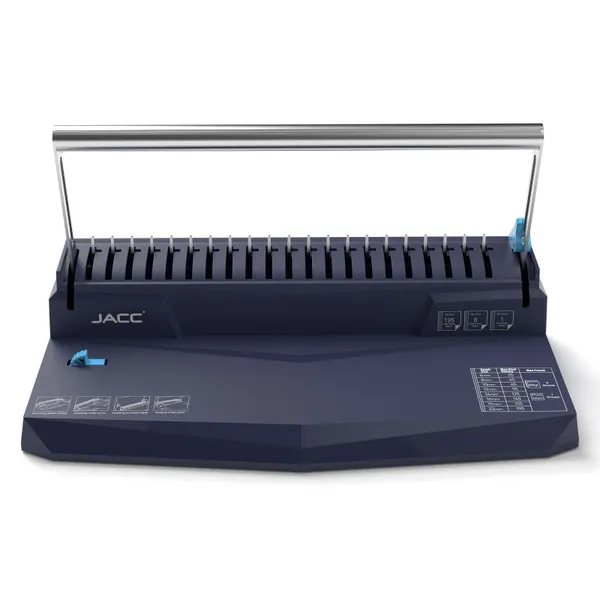
Premium 12-heet Comb Binding Machine Documnet Binding Machine Plastic Comb Binder Paper Binding Machine (CB12)US$ 11.50 - 13.80MOQ: 500 Pieces
-
Premium Spiral Coil Binding Machine 4:1 5:1 6mm Encuadernadoras Espiral Encadernacao Espiral Madeira (SB10)US$ 19.00 - 24.00MOQ: 500 Pieces
-
Premium 12 Inches A4 Thermal Binding Machine Hot Binding Machine Thermal Binder for Thermal Binding Covers (TB200)US$ 8.00 - 19.50MOQ: 500 Pieces
-
JACC 2-in-1 A3 & A4 Thermal Binding Machine 13\" Laminator &12\" Book Binding Machine IDLM037 Electric PowerUS$ 15.00 - 25.00MOQ: 500 Pieces
-
Premium 8 Sheets 21 19 Hole Comb Binding Machine Document Binding Machine Note Book Binding Machine (CB8)US$ 8.00 - 10.30MOQ: 500 Pieces
-
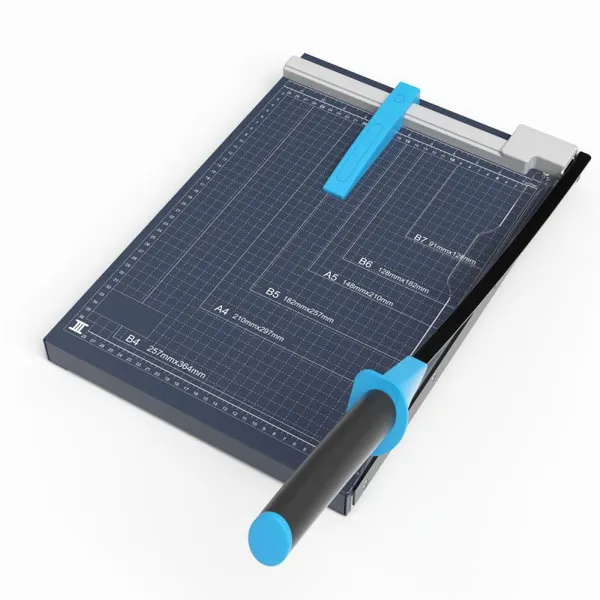
Premium Paper Cutter B4 15 Inch Paper Trimmer Machine Manual Paper Guillotine Machine Metal Baseplate (GL410B)US$ 8.20 - 9.50MOQ: 1000 Pieces
-
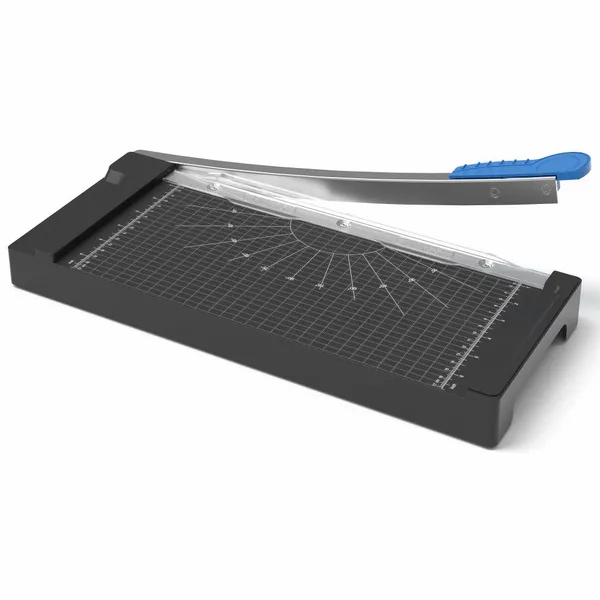
A4 Size GL408 Paper Guillotine Cutter – Compact Design for Office, Photo & Card CuttingUS$ 5.5MOQ: 1000 Pieces
-
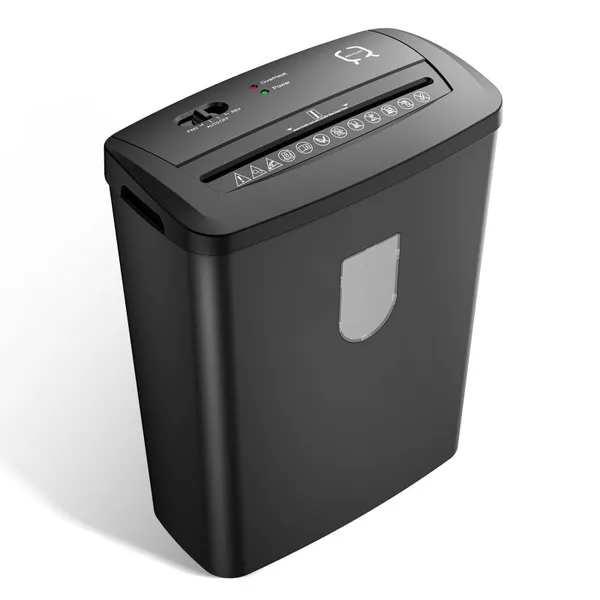
Premium 14L 8 Sheets Cross Cut Paper Shredder Machine Document Shredding Machine Home Office Shredder IDPS004US$ 15.99 - 17.90MOQ: 500 Pieces
-
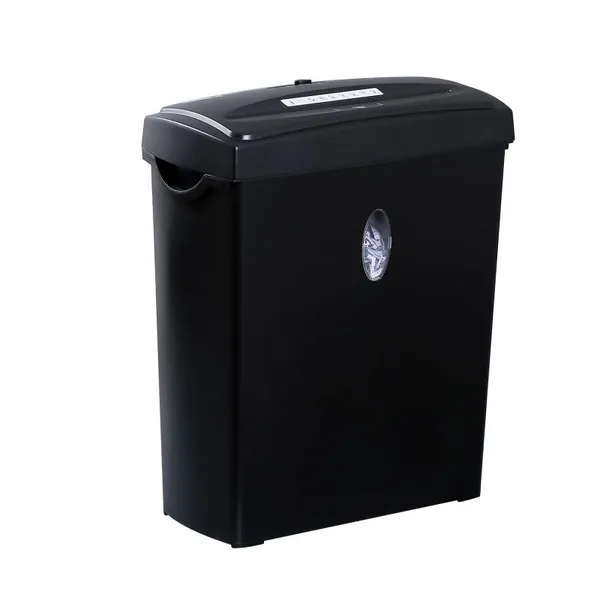
Premium 11L 6 Sheets Cross Cut Paper Shredder Machine Document Shredding Machine Home Office Shredder IDPS003US$ 12.50 - 14.00MOQ: 500 Pieces
-
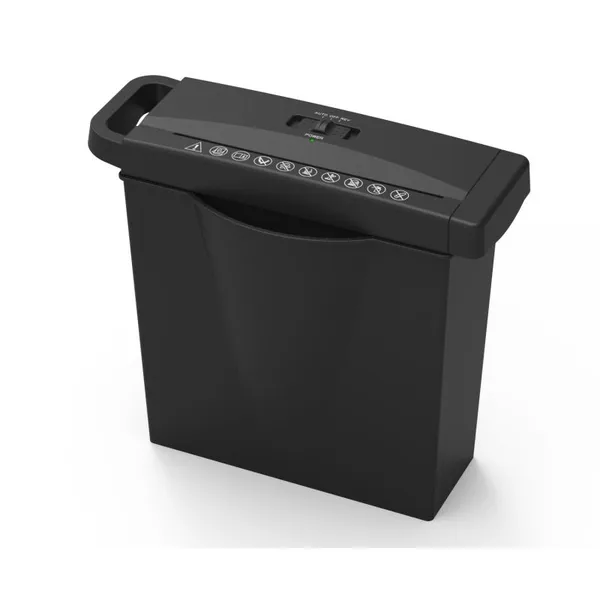
Premium 7L Home Office Paper Shredder 6 Sheets Strip Cut Document Shredding Machine IDPS002 With Electric Power SourceUS$ 7.99 - 8.88MOQ: 500 Pieces
-
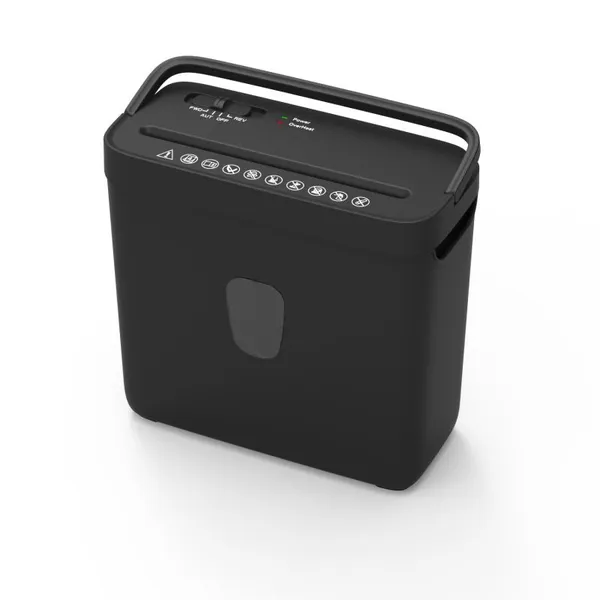
Premium 8L 4 Sheets Cross Cut Paper Shredder Machine Document Shredding Machine Office Shredder IDPS001US$ 9.50 - 10.50MOQ: 500 Pieces
-
Premium Portable Food Vacuum Sealer Machine With Rechargeable Li-ion Battery Food Saver for Sous Vide (FVS0351Li)US$ 8.10 - 8.90MOQ: 1000 Units
-
Premium Handheld Vacuum Sealer Mini Vacuum Pump for Reusable Vacuum Zipper Bags and Food Storage Containers (HVS3501)US$ 2.99 - 3.90MOQ: 2000 Units
-
Premium Food Vacuum Sealer Machine Food Saver Vacuum Preservation and Sealing Machine With Hose for Sous Vide (FVS2201)US$ 7.00 - 8.90MOQ: 1000 Units
-
Food Vacuum Sealer Machine Dual Heat Sealing Lines With Bag Cutter Double Seal Strip for Airtight Moist Food Storage (VS6)US$ 12.00 - 13.50MOQ: 1000 Units
-
Premium Portable Handheld Mini Vacuum Sealer Pump USB Rechargeable Air Suction Pump Vacuum Wine Jar Sealer IDFVS018US$ 4.50 - 5.10MOQ: 1000 Units